ZKNetwork Client
The ZKNetwork Client is a secure, cross-platform desktop application that provides users with intuitive access to the Zero Knowledge Network. Designed as a GUI companion to a terminal client, it simplifies interaction with ZKN’s privacy infrastructure, making secure network access accessible and user-friendly.
Features
- Intuitive GUI – Clean interface for managing ZKNetwork access and apps.
- Cross-Platform – Consistent experience on Windows, macOS, and Linux.
- Lightweight & Secure – Optimized for performance with minimal resource use and built-in security.
- Seamless Network Access – Automatically integrates with evolving network deployments.
- Trusted Execution Environment – Ensures isolated, verified execution of network components and apps.
- Decentralized Verifiable Distribution – Uses ZKN's AppChain and Data Availability layer for secure, authenticated software distribution.
Installation
Download and run the latest release for your platform: https://github.com/ZeroKnowledgeNetwork/client/releases
Usage
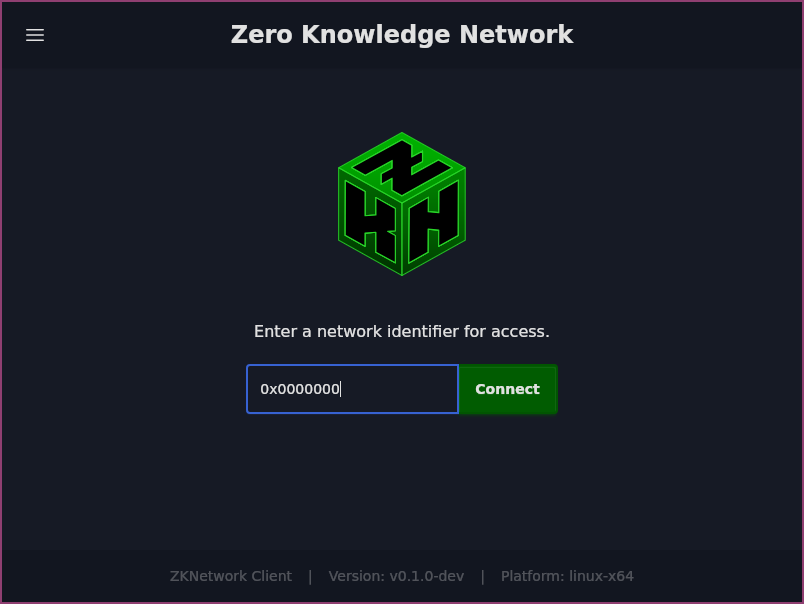
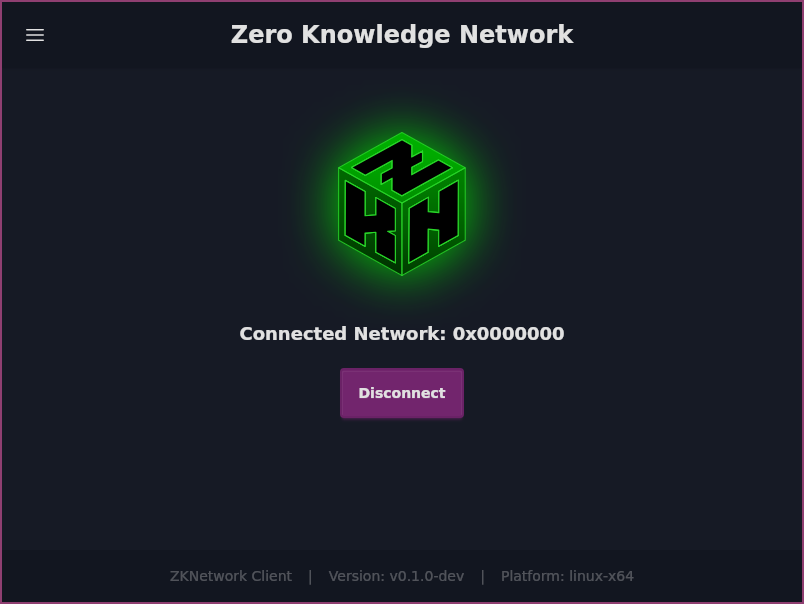
Launch the ZKNetwork Client app. To connect to a network:
- Enter the Network ID.
- Click the Connect button.
- To disconnect, click Disconnect.
Configuration
Configuration varies by application. For the Walletshield app, configure your crypto wallet to use the locally running RPC gateway according to the Networks Configuration table.